
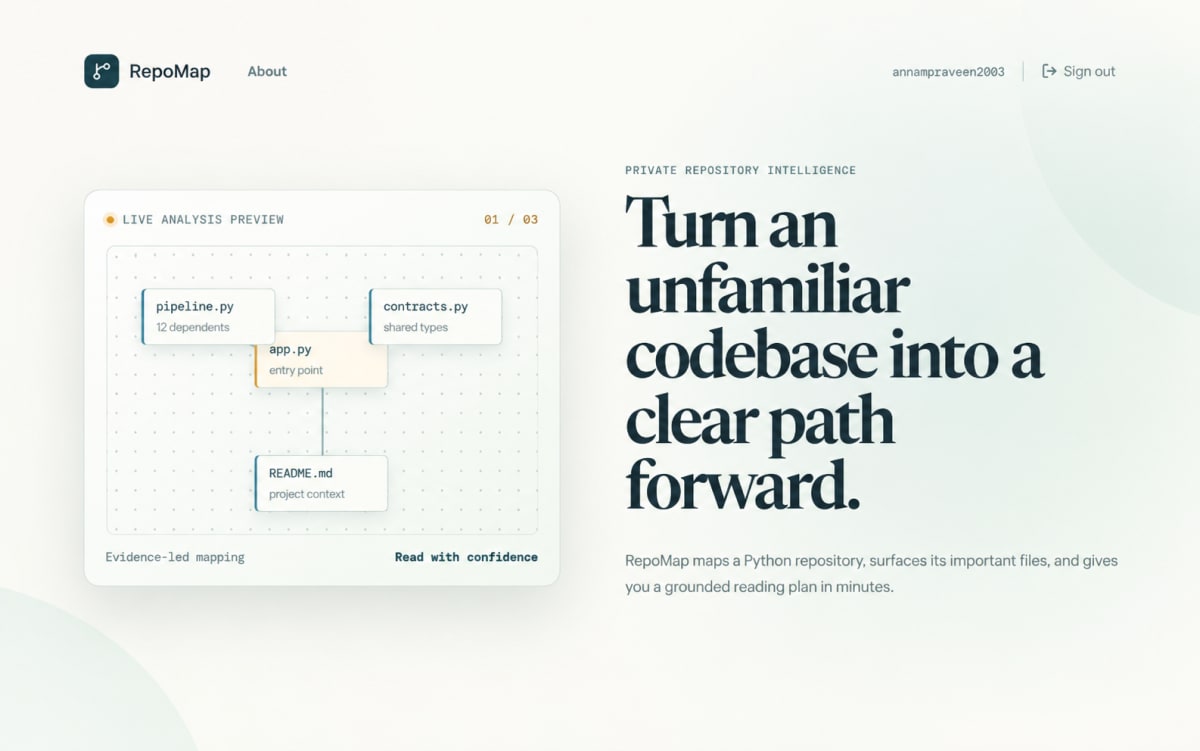
RepoMap - Python Repository Intelligence & Codebase Analysis Platform
Map Python repositories into evidence-based onboarding guides, dependency graphs, histories, and PDF reports.
Project overview
What this project is about.
RepoMap is a beginner-friendly tool that helps you understand how a Python project works.
When developers open an unfamiliar project, it can be difficult to know:
- Which file should be opened first
- Where the application starts
- Which files are most important
- How files depend on each other
- What the project configuration files do
- How the main parts of the project are connected
RepoMap solves this problem by creating a visual and written map of the repository.
A user provides a public GitHub or Git repository URL. RepoMap temporarily downloads the repository and examines its Python files without running or executing the project code. It identifies important files, detects relationships between modules, finds possible entry points, and calculates which modules are used most often.
The application then displays the results in an easy-to-understand dashboard. Users can view an architecture summary, a recommended reading order, a list of important modules, and an interactive dependency graph.
RepoMap can optionally use the Groq AI API to create clearer explanations and summaries. The AI receives only limited repository evidence prepared by RepoMap. If AI is unavailable, the application still creates a local guide using its own analysis.
Users can create an account and securely access their own analysis history. Analysis results are stored in a local SQLite database, allowing users to reopen previous reports later. Reports can also be downloaded as PDF files for sharing, documentation, or offline reading.
RepoMap is useful for:
- Beginners learning an existing Python project
- Developers joining a new team
- Students studying open-source repositories
- Reviewers exploring project architecture
- Teams creating onboarding documentation
- Anyone who wants to understand a codebase before modifying it
The project runs locally without Docker or PostgreSQL and includes both a web interface and a command-line tool.
Key features
- Public Python Git repository analysis
- Internal dependency graph generation
- Python entry-point detection
- Module importance ranking
- Architecture overview generation
- Recommended repository reading order
- Important project-file summaries
- Interactive dependency graph visualization
- React Flow and Dagre graph layout
- Optional Groq AI enrichment
- SQLite analysis persistence
- User registration and login
- HTTP Basic Authentication
- Per-user analysis history
- User-specific report access control
- PDF report generation and download
- Markdown guide preview
- Local repository CLI analysis
- Responsive web interface
Technology stack
PythonFastAPIUvicornSQLitePython ASTGitReactTypeScriptViteReact FlowDagreLucide ReactGroq APIHTTP Basic AuthenticationHTMLCSS
Usage and use case
1. Create an account or sign in.
2. Enter a public HTTPS Git repository URL.
3. Start the repository analysis.
4. Review the architecture overview.
5. Explore the recommended reading order.
6. Browse ranked Python modules.
7. Inspect the interactive dependency graph.
8. View important project files and summaries.
9. Reopen previous analyses from history.
10. Download the analysis as a PDF report.
11. Use the CLI to analyze a local Git repository.
Requirements
Python 3.12 or newer
Node.js
npm
Git
FastAPI
Uvicorn
A public HTTPS Git repository URL
Optional Groq API key
Windows, macOS, or Linux
Internet connection for cloning public repositories
Internet connection for optional Groq AI enrichment
Project add-ons
Additional add-ons for this project.
Ask about project-specific add-ons through the ProjectVybe enquiry channel.
Documentation support
Create clear, well-structured project documentation covering implementation, technologies, features, methodology, and project outcomes.
Presentation support
Prepare professional project presentations that clearly explain your project idea, workflow, technologies, implementation, results, and key highlights.
Publication support
Get guidance in preparing and structuring project work for technical papers, research publications, and academic submission requirements.
1:1 mentorship
Get personalized guidance from project planning and technology selection to implementation, debugging, documentation, and final presentation.
Frequently asked questions
Questions about this project.
How can I ask about this project?
Use the enquiry button to share the project context and the kind of support you are looking for. ProjectVybe will review the enquiry and respond directly.
Is a demo available?
A YouTube demo has not been added for this project yet.
Can I request changes or additional support?
Yes. Describe your requested changes or learning goals in an enquiry so the ProjectVybe team can review them.
Are project add-ons available?
The available project add-ons are listed above and can be selected when you send an enquiry. Add-ons are enquiry-based; no online checkout or public pricing is provided.
How do I get started?
Review the project information, then use the enquiry button to send the details you would like to discuss.
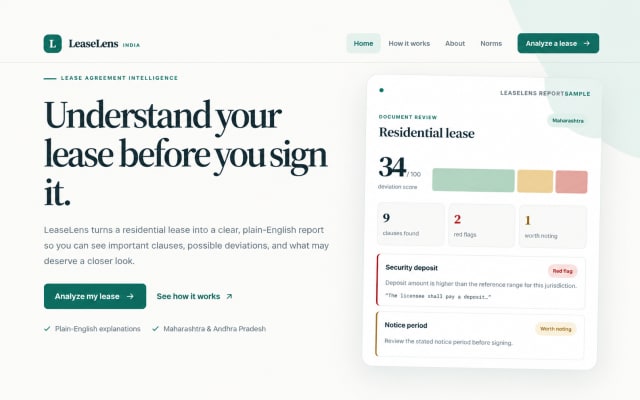
LeaseLens – AI-Powered Lease Agreement Analyzer
AI-powered LeaseLens analyzes residential leases, extracts clauses, compares norms, and explains risks through clear reports.
View project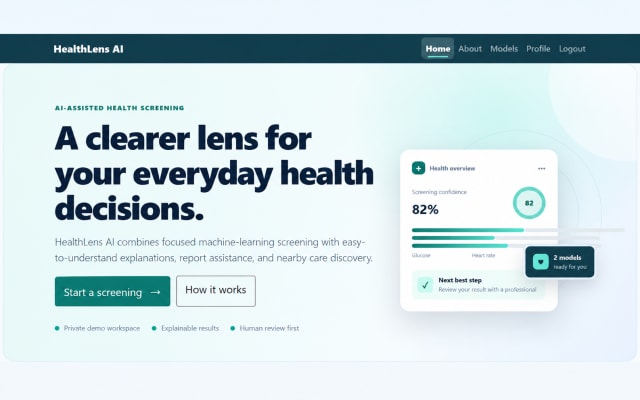
HealthLens AI | AI-Powered Health Risk Screening
Explore HealthLens AI, an educational AI and machine-learning application for diabetes and heart disease risk screening, AI-assisted report analysis, and healthcare discovery.
View project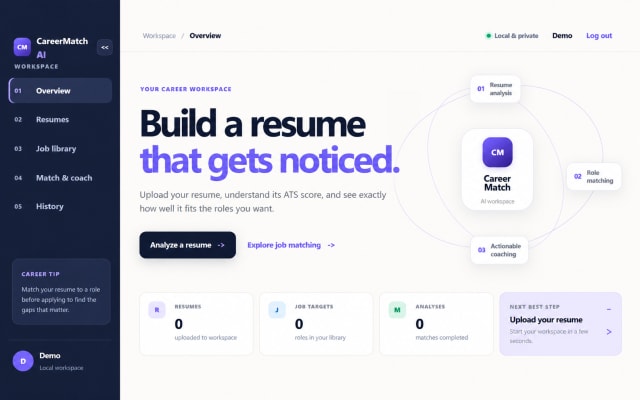
CareerMatch AI – Intelligent Resume Analysis and Job Matching System
CareerMatch AI analyzes resumes, scores ATS compatibility, matches job descriptions, and provides personalized career recommendations.
View projectBuild. Learn. Grow.
Ready to discuss this project?
Send ProjectVybe the project context you are exploring, or continue browsing the published catalogue.