
EmotiAI – AI-Powered Text Emotion Detection
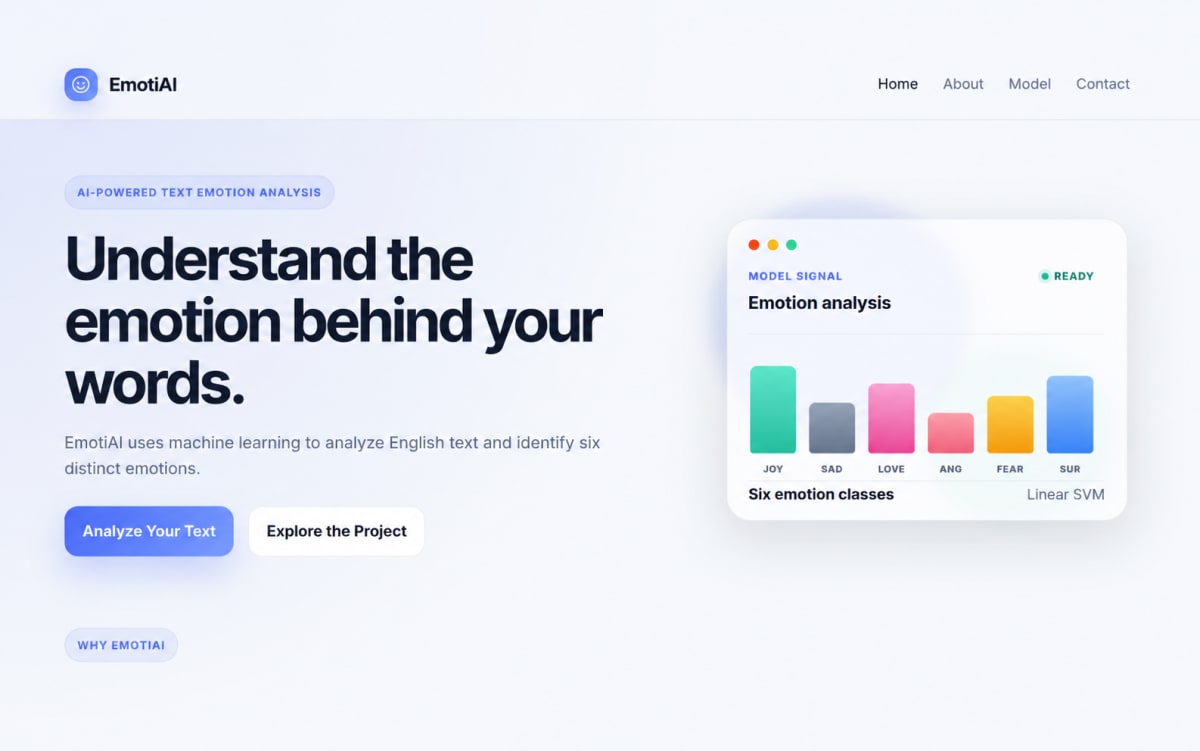
EmotiAI is a machine-learning-powered web application that analyzes English text and detects one of six emotions: sadness, joy, love, anger, fear, and surprise.
Project overview
What this project is about.
EmotiAI is an AI-powered text emotion detection system that analyzes English text and identifies the emotion expressed in the input.
The system uses the DAIR.AI Emotion dataset and a machine-learning pipeline based on TF-IDF feature extraction and a Linear Support Vector Machine (Linear SVM) classifier. The text is cleaned, converted into numerical TF-IDF features, and then classified into one of six emotion categories: sadness, joy, love, anger, fear, or surprise.
The application provides an interactive web interface where users can enter text and receive an emotion prediction. Along with the predicted emotion, EmotiAI provides a visual representation of the model's decision scores across all six emotion classes.
The system also maintains prediction history and provides application-level statistics such as the total number of predictions, emotion distribution, and most frequently detected emotion.
A dedicated contact system allows visitors to submit their name, mobile number, email address, and message. Contact submissions are stored in the application's database and can be managed through the Django administration panel.
The website includes configurable social and contact links for Instagram, LinkedIn, and email, which can be managed through the administration panel.
EmotiAI is designed for English text emotion classification and supports six emotion categories.
Key features
- AI-powered text emotion detection
- Detection of six emotions
- English text classification
- TF-IDF text feature extraction
- Linear SVM emotion classifier
- Real-time text analysis
- Visual model decision-score representation
- Prediction result with emotion-specific explanation
- Prediction history
- Application prediction statistics
- Responsive multi-page web interface
- Modern AI-focused user interface
- Home, About, Model, and Contact pages
- Database-backed contact form
- Django Admin management
- Admin-configurable Instagram, LinkedIn, and email links
- Shared responsive navbar and footer
- Client-side character counter
- Loading and error states
- Django-based backend API
- SQLite database integration
Technology stack
PythonDjangoHTML5CSS3JavaScriptscikit-learnTF-IDFLinear SVMLinearSVCJoblibSQLiteDjango ORMDjango AdminDjango REST-style JSON APIGit
Usage and use case
1. Visit the EmotiAI website.
2. Navigate to the Model page.
3. Enter English text into the emotion analysis text box.
4. Click "Analyze Emotion".
5. The application sends the text to the Django backend.
6. The text is cleaned and transformed using the trained TF-IDF vectorizer.
7. The Linear SVM model predicts one of six emotions.
8. The detected emotion is displayed with an explanation.
9. A visual decision-score chart displays the model's scores for all six emotions.
10. The prediction is stored in the database.
11. Recent predictions can be viewed in the prediction history.
12. Application statistics are updated automatically.
13. Visitors can use the Contact page to submit their details and message.
14. Administrators can manage predictions, contact messages, and footer social/contact links through Django Admin.
Requirements
Python 3.13 or compatible Python 3.x version
Django 5.x
scikit-learn
joblib
SQLite
Modern web browser
Virtual environment recommended
Project add-ons
Additional add-ons for this project.
Ask about project-specific add-ons through the ProjectVybe enquiry channel.
Documentation support
Create clear, well-structured project documentation covering implementation, technologies, features, methodology, and project outcomes.
Presentation support
Prepare professional project presentations that clearly explain your project idea, workflow, technologies, implementation, results, and key highlights.
Publication support
Get guidance in preparing and structuring project work for technical papers, research publications, and academic submission requirements.
1:1 mentorship
Get personalized guidance from project planning and technology selection to implementation, debugging, documentation, and final presentation.
Frequently asked questions
Questions about this project.
How can I ask about this project?
Use the enquiry button to share the project context and the kind of support you are looking for. ProjectVybe will review the enquiry and respond directly.
Is a demo available?
A YouTube demo has not been added for this project yet.
Can I request changes or additional support?
Yes. Describe your requested changes or learning goals in an enquiry so the ProjectVybe team can review them.
Are project add-ons available?
The available project add-ons are listed above and can be selected when you send an enquiry. Add-ons are enquiry-based; no online checkout or public pricing is provided.
How do I get started?
Review the project information, then use the enquiry button to send the details you would like to discuss.
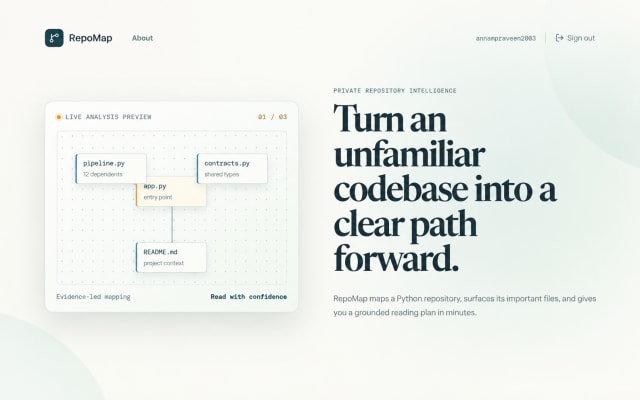
RepoMap - Python Repository Intelligence & Codebase Analysis Platform
Map Python repositories into evidence-based onboarding guides, dependency graphs, histories, and PDF reports.
View project
LeaseLens – AI-Powered Lease Agreement Analyzer
AI-powered LeaseLens analyzes residential leases, extracts clauses, compares norms, and explains risks through clear reports.
View project
HealthLens AI | AI-Powered Health Risk Screening
Explore HealthLens AI, an educational AI and machine-learning application for diabetes and heart disease risk screening, AI-assisted report analysis, and healthcare discovery.
View projectBuild. Learn. Grow.
Ready to discuss this project?
Send ProjectVybe the project context you are exploring, or continue browsing the published catalogue.